Step 1. Follow the Installation Guide to complete the installation of ULTRALOQ U-Bolt Series.
Step 2. Calibrate the direction of ULTRALOQ U-Bolt Series.
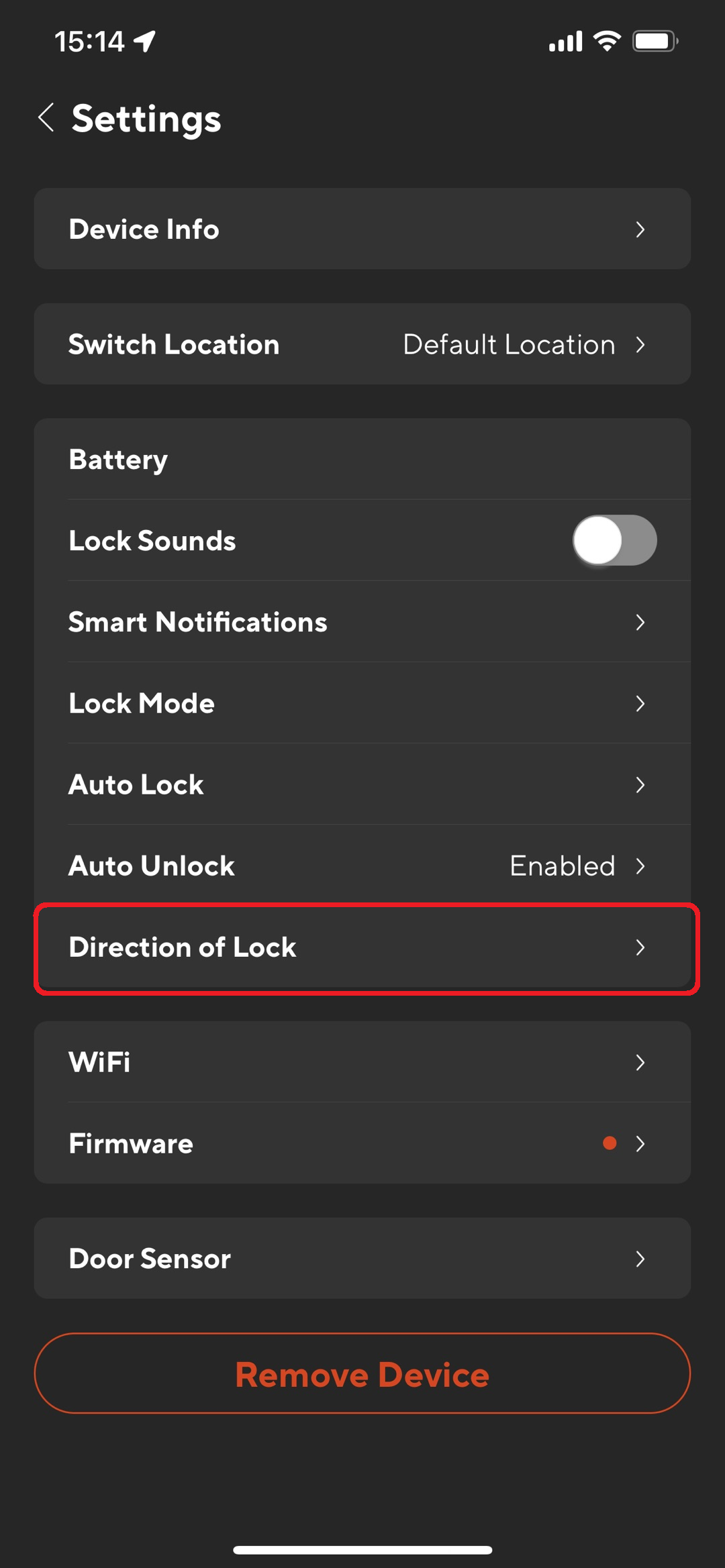
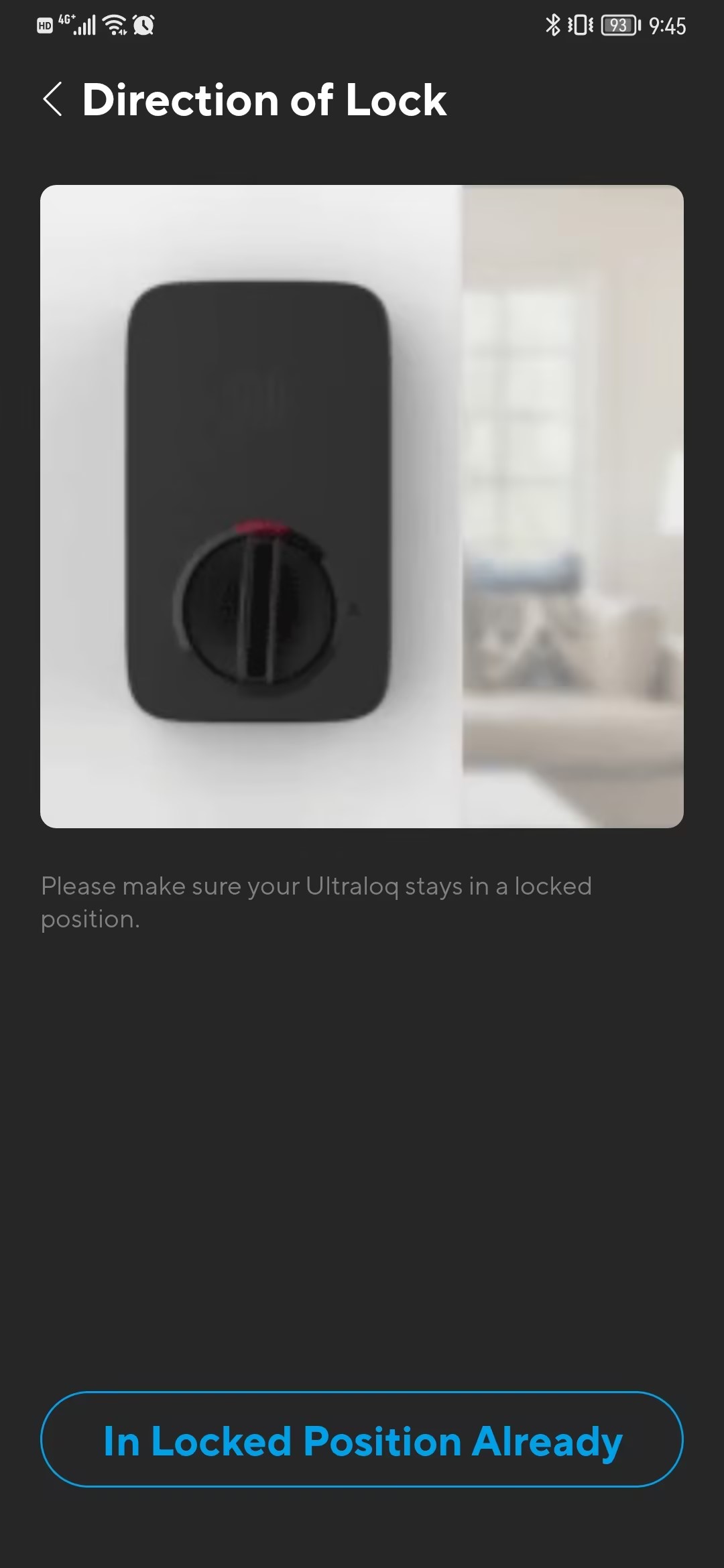
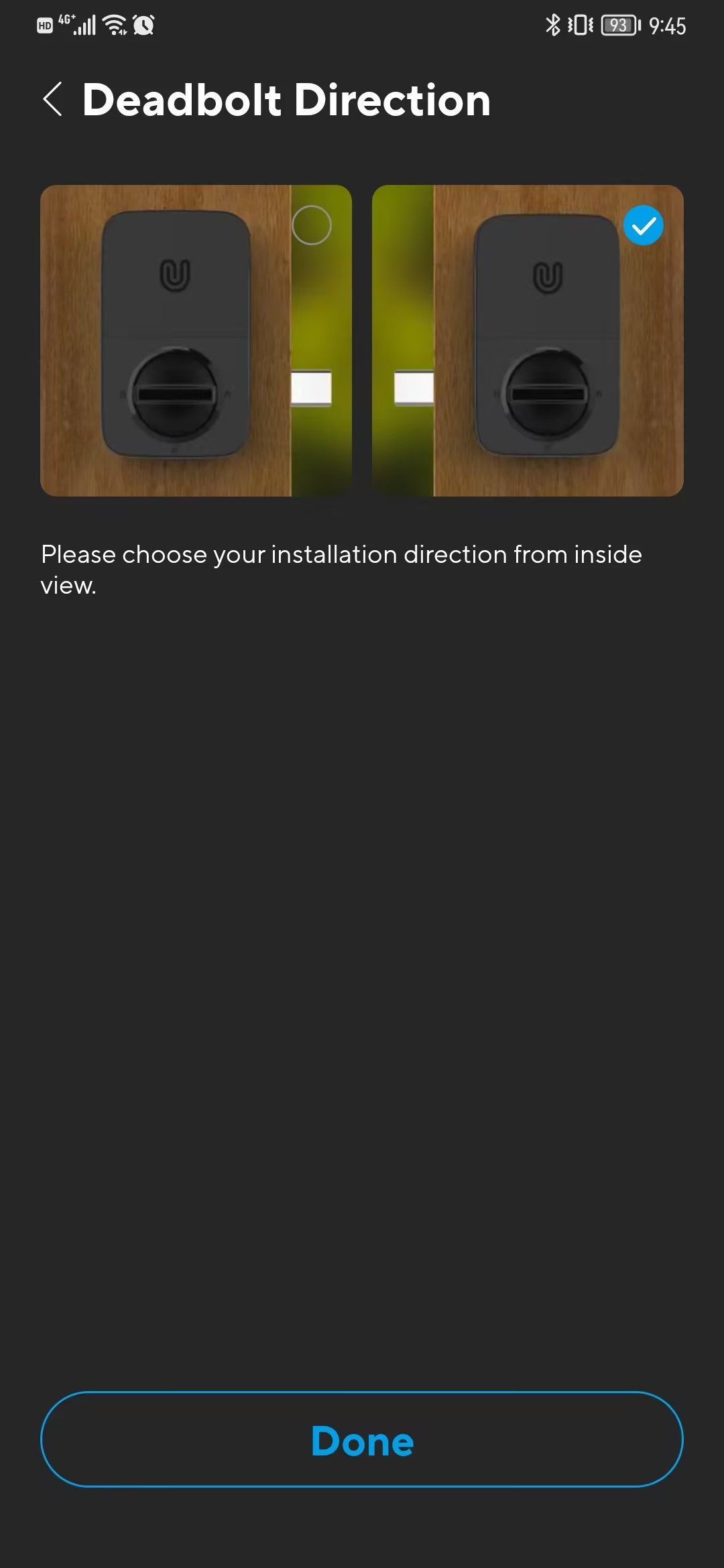
Method A: Set the lock's direction in the Settings page by the Xthings Home(Formerly U home) App.
Method B: Set the lock's direction without the Xthings Home(Formerly U home) App.
>> Take out one battery.
>> Rotate the knob and keep it in a horizontal position to stay locked.
>> Insert Batteries again.
Was this article helpful?
0 out of 0 found this helpful
Have more questions? Submit a request

Comments
0 comments
Please sign in to leave a comment.